I helped set the defaults on three different apps. And I can tell you with absolute certainty: they were not designed for you.
The default settings on your phone, your laptop, your social media accounts, your email client—they are not neutral. They are not some objective baseline that just happens to exist. They are intentional choices made by teams of designers, product managers, and data scientists. They are A/B tested. They are optimized. They are designed to maximize one thing, and that one thing is not your well-being.
Here's what you need to know about defaults—and why you should change them.
Defaults Are a Design Decision
In user interface design, there's a principle called the "default effect." When presented with a choice, most people stick with whatever option is preselected. It's not laziness—it's cognitive efficiency. Your brain assumes that if the designers put something there by default, it's probably the recommended option.
Here's the thing: that assumption is wrong.
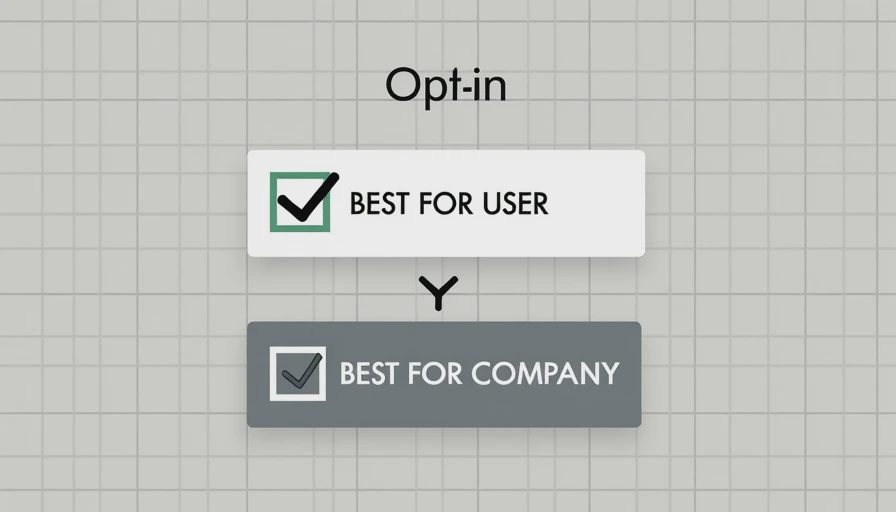
In a well-designed ethical product, the default should be what's best for the user. But in most commercial tech products, the default is what's best for the company. Retention. Engagement. Time spent. Data collected. Revenue generated.
The defaults are not your preference. They are the company's preference. And they have been optimized—sometimes over years of testing—to get you to do what the company wants, not what you want.
The Defaults That Are Working Against You
Let me walk through some of the most common ones. You probably haven't changed any of these.
Notifications: All On, All the Time
When you install any app, what happens? It asks for permission to send you notifications. The default is "Allow." Most people tap "Yes" without thinking.
That means every app on your phone now has permission to interrupt you at any moment. The news app. The game you played once. The shopping app you used for one purchase. They all get to buzz, ping, and light up your screen.
Why they do it: Notifications drive engagement. Each ping is a chance to pull you back in. The app company doesn't care if you're in a meeting, reading a book, or putting your child to bed. They care about your "daily active user" status.
What you should do: Go into settings and turn off every non-essential notification. If a notification can't be delivered by a real human—if it's an algorithm, an alert, or a marketing push—it doesn't need to interrupt you.
Auto-Play: The Infinite Feed
Every streaming platform and social network defaults to auto-play. You finish one video, the next one starts automatically. You scroll to the bottom of a feed, more content loads in. There is no natural stopping point.
Why they do it: Because once you're watching, you're likely to keep watching. Auto-play removes the "decision point" where you might think "Do I actually want to spend another hour on this?" and say no.
What you should do: Turn off auto-play in every app that offers the option. Netflix, YouTube, TikTok, Instagram, and Amazon Prime all let you disable it. The setting is usually buried, but it exists.
Email Frequency: Empty Inbox Is a Lie
Your email client defaults to push notifications. Every message arrives with a buzz, a sound, and a number on the app icon. The default suggests that every incoming email is urgent.
Why they do it: Because if you read your email more often, you're more likely to click on marketing, respond to work outside hours, and stay engaged with the platform. It's not about helping you manage your time—it's about keeping you inside the inbox.
What you should do: Turn off push notifications for email entirely. Check it on your terms, on a schedule. Try twice a day—once midday, once late afternoon. If it's truly urgent, someone will call.
Location Services: Always On
By default, many apps request "Always" access to your location, even when you're not using them. Weather apps, maps, social networks, shopping apps—they want to know where you are at all times.
Why they do it: Location data is valuable. It's sold. It's used for targeted advertising. It's used to track your behavior patterns. The company isn't using it to help you—it's using it to understand you.
What you should do: Change location permissions to "While Using" for every app that doesn't genuinely need to know where you are in the background. There are almost none that do.
Auto-Correct and Predictive Text: Not Helping
Your keyboard defaults to auto-correct and predictive text. It learns your typing patterns and suggests words before you type them.
Why they do it: These features generate typing data. They are sent to servers, analyzed, and used to improve the company's models—and to build a behavioral profile of you. The suggestions aren't "for you." They're for the company's data models.
What you should do: Consider disabling auto-correct. It doesn't actually save that much time, and it trains you to trust the machine's suggestions over your own words. If you're writing something important—an email, a proposal, a piece of writing—you probably want to type it yourself.
Why We Don't Change Defaults
There are two reasons.
First: friction. Changing a default requires effort. You have to find the setting, navigate to it, understand what it does, and turn it off. Most people don't have the time or patience. Companies know this, so they bury the settings behind multiple menus and confusing language.
Second: default = trust. We assume the default is the "right" setting. We assume the designers know what they're doing. We assume if it were bad for us, they wouldn't have set it that way.
That last assumption is where they get you.
The designers do know what they're doing. They're just not working for you.
What I Changed, and What I Kept
I've spent years tweaking my defaults. Here's what I run now:
Notifications: Only calls, messages from actual contacts, and one or two essential work apps. Everything else is silenced.
Auto-play: Off everywhere.
Email: No push. Check twice daily.
Location: "While Using" for all but maps and ride-sharing.
Screen: Grayscale, always. It reduces the visual lure of apps.
Home screen: No social apps. No email. No games. Just the tools I need to get through the day—calendar, maps, photos, notes, messaging.
This isn't asceticism. It's just removing the noise that the default settings were designed to pump into my head.
You need less than you think. The first thing to change is what you accept as normal.