A productivity system is supposed to make work feel clearer. Instead, many people end up maintaining a stack of task apps, calendar views, dashboards, timers, and notification rules that creates more work than it removes. I have designed enough software to know how easily a helpful tool becomes another attention trap. The useful question is not which system looks most complete. It is whether you can remember what matters and start the next task without negotiating with five interfaces.
My current approach is deliberately small: one place for commitments, one calendar, one short list for today, and a weekly reset. It works on a laptop, a phone, or a sheet of paper. You need less than you think.
What a productivity system actually needs to do
A reliable productivity system has four jobs. It captures incoming obligations, clarifies the next action, protects time for meaningful work, and gives you a way to review unfinished items. Everything beyond those jobs is optional.
Capture is the first layer. When someone sends an email asking for a proposal, you should not have to trust your memory. Put “draft proposal for client” into one inbox, whether that inbox is Todoist, Apple Reminders, a plain text file, or a pocket notebook. Do not turn the note into a miniature project plan while you are in the middle of another task.
Clarification is where vague stress becomes a physical action. “Website project” is not actionable. “Review the mobile checkout flow and list three friction points” is. A good productivity system makes this translation easy. If an item cannot begin with a visible verb, it probably needs another pass.
The final two jobs are protection and review. Your calendar protects real blocks of time, while a weekly review catches commitments that fell through the cracks. A task list without review becomes a museum of good intentions.
The four-part setup I would start with
Start with a single capture inbox. I use a simple notes app because it opens quickly and does not invite me to reorganize my life. Every request, idea, errand, and reminder goes there first. I process it later instead of interrupting a design session to build a perfect label structure.
Next, keep a calendar for things that happen at a specific time. A dentist appointment belongs on the calendar. “Research travel options” does not. Mixing flexible tasks with fixed appointments makes the day look more crowded than it is and encourages constant reshuffling.
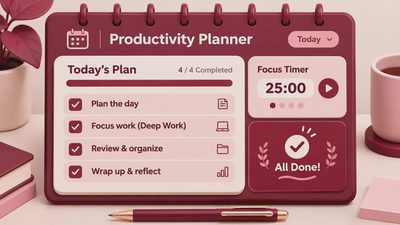
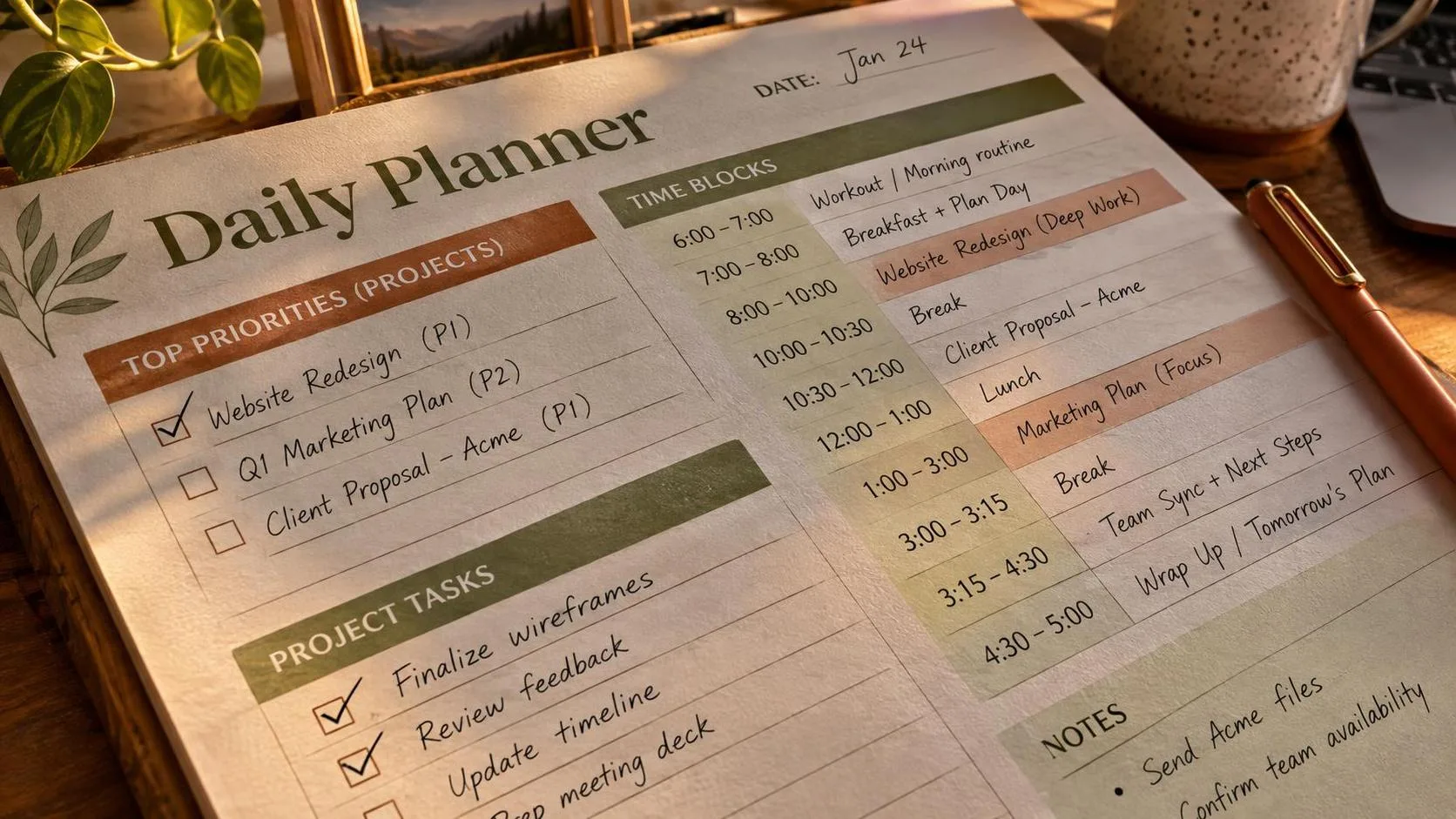
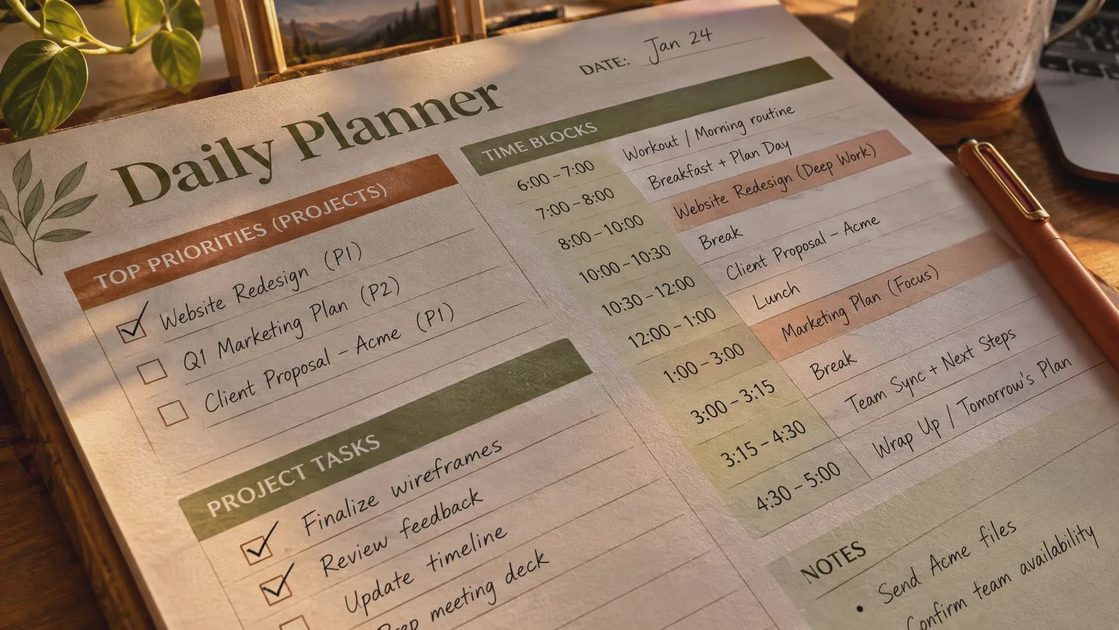
Then create a short list called Today. Mine rarely contains more than five meaningful items. Two might be work tasks, one might be an administrative chore, and the rest may be small actions that remove friction tomorrow. If you routinely carry fifteen items into the next day, the list is measuring hope rather than capacity.
Finally, schedule a weekly review of 20 to 30 minutes. Scan your inbox, calendar, open projects, and waiting-for list. Delete stale tasks, identify the next physical action, and move anything that does not belong this week. This is the part that keeps a productivity system trustworthy.
Why more apps usually make the system worse
I know the appeal of adding tools. A new app promises a clean break, and its onboarding screens make your unfinished life look sortable. As a product designer, I have helped create those moments. Progress bars, streaks, badges, and cheerful completion animations are not automatically bad, but they can make organizing feel like progress even when no important work has moved.
The problem is fragmentation. If tasks live in Notion, quick reminders live in your phone, project details live in Slack, and deadlines live in three calendar colors, your brain becomes the integration layer. You spend energy asking where something belongs instead of deciding what to do.
Choose tools based on low friction, not feature count. Todoist is useful for people who want filters and recurring tasks. Apple Reminders is excellent for a lightweight setup on Apple devices. Google Tasks can work when your day already lives in Google Calendar. A plain text document remains a valid choice. The best productivity system is the one you will check when you are tired, late, or distracted.
Try a two-week freeze before adding anything. Keep your current tools, but stop installing new ones. Notice where the actual failure occurs. If you forget tasks, improve capture. If you overcommit, improve planning. If you avoid the list, reduce its size. Buy or download nothing until you can name the specific problem.
Planning a day without filling every minute
Time blocking works best when it leaves room for reality. I usually place one demanding block in the morning, often 60 to 90 minutes, before opening chat. A second block can follow after lunch if the day allows. I do not schedule every ten-minute gap because small delays are part of working with other people.
Label blocks by outcome rather than vague activity. “Work on presentation” is weaker than “finish slides 1 through 8 and mark open questions.” The outcome gives the session a finish line and makes it easier to resume later.
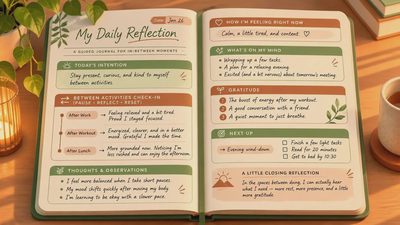
Use a shutdown ritual at the end of the workday. Write down what remains, choose the next action, close open tabs, and move unfinished items out of Today. This takes about five minutes and prevents the evening from becoming a low-level replay of work decisions. It also gives tomorrow a clear entrance instead of a pile of browser tabs.
For screen-heavy work, physical boundaries help. Put your phone in grayscale, silence badges, and keep messaging closed during a focus block. I do not treat this as a test of discipline. Notifications are designed to create a response, so removing the cue is more practical than trying to resist it repeatedly.

A weekly review that does not become a second job
A weekly review should expose reality, not produce a beautiful dashboard. Start by emptying your capture inbox. Convert each note into a task, calendar item, reference note, delegated item, or deletion. If you cannot explain why something still matters, remove it or put it on a someday list.
Review active projects one by one. Each project needs a next action that can be completed in one sitting or clearly started. “Launch newsletter” is a project label. “Write the opening paragraph and choose the sending date” is a next action. If a project has no next action, it will remain mentally loud while producing no movement.
Check your calendar for the next two weeks. Look for travel, deadlines, appointments, and heavy meeting days. Then compare those demands with your task list. If Thursday contains six meetings, do not assign yourself a three-hour writing task because the list looks empty. A realistic productivity system accounts for energy and available hours, not just empty squares.
End by choosing three priorities for the coming week. These are not the only things you can do, but they are the outcomes that deserve protection. The constraint is useful: it forces you to distinguish important work from every interesting possibility.
How to know whether it is working
Do not judge a productivity system by how organized it looks on Sunday night. Judge it by ordinary moments. Can you capture a request in under 30 seconds? Can you see what deserves attention this morning? Can you find the details of an open project without searching five places? Can you stop work without carrying every unfinished thought into dinner?
For one week, track only three signals: how often you miss commitments, how often you rewrite the same task, and how often you finish the day unsure what mattered. You do not need a spreadsheet. A few marks in a notebook will show the pattern.
If you miss commitments, strengthen your review or consolidate your lists. If you rewrite tasks, make the next action more concrete. If every day feels overfull, reduce the number of priorities instead of searching for a faster app. A system should reveal limits, not disguise them.
My one thing to keep is a trusted capture inbox paired with a short daily list. It is not impressive, and it will not turn a chaotic week into a frictionless one. It does something better: it gives attention a place to land. Start there, leave the rest alone for two weeks, and add only what solves a problem you can describe clearly.