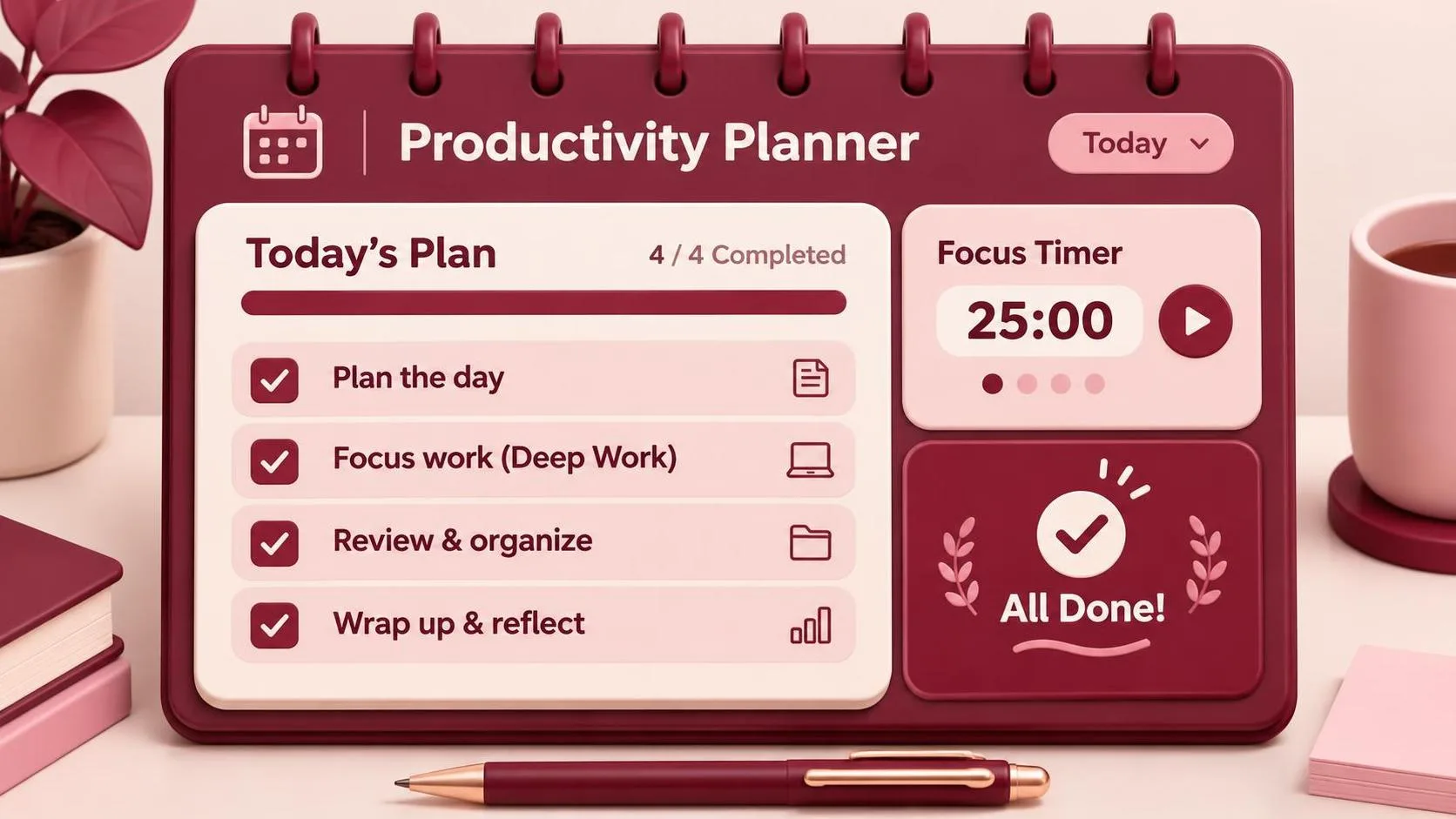
Stress free productivity is not a premium planner, a color-coded dashboard, or a morning routine that begins at 5 a.m. I think of it as reducing the number of small decisions competing for your attention. After years designing consumer apps in San Francisco, I have learned that a calmer workday usually comes from changing the environment around your work, not forcing more discipline inside your head.
The goal is not to become perfectly focused. That standard creates its own pressure. The goal is to make useful work easier to begin and interruptions slightly harder to reach. You can do that with the tools already on your desk, often in one afternoon.
Start by removing friction, not adding features
Open your laptop and notice what happens in the first five minutes. Does Slack display unread badges? Does your browser restore twelve tabs? Does an email notification slide over the document you are trying to write? Each event asks for a decision, even if you ignore it. A calmer system starts by removing those requests.
Turn off nonessential notifications first. Keep calls, direct messages from a small group, and calendar alerts if you need them. Disable alerts for promotions, social activity, project updates, and every reaction emoji. In Slack, set a predictable notification schedule instead of allowing every channel to claim the day. In Gmail, use labels and filters to separate receipts, newsletters, and automated reports from messages that need judgment.
This is the first practical layer of stress free productivity: fewer open loops. A badge is not neutral decoration. It is a tiny invitation to leave the task in front of you and inspect something else. I have designed those invitations. They work precisely because they are small enough to feel harmless.
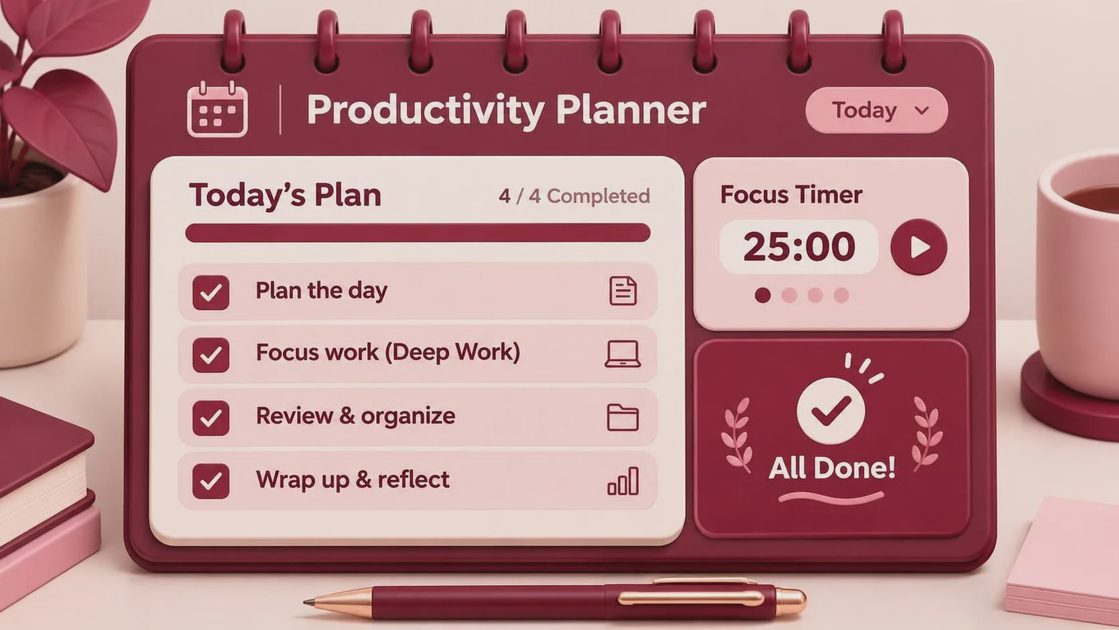
Close the browser tabs that you are keeping for a vague future. If an article matters, save it to one reading list. If a task matters, put it in one task manager. Do not create a second capture system because the first one looks untidy. You need less than you think.
Build a workday around energy, not an ideal schedule
Many productivity systems assume every hour has the same value. It does not. You may be sharp at 9 a.m., scattered after lunch, and surprisingly creative at 4 p.m. Stress free productivity improves when demanding work gets your best available attention rather than an arbitrary time slot.
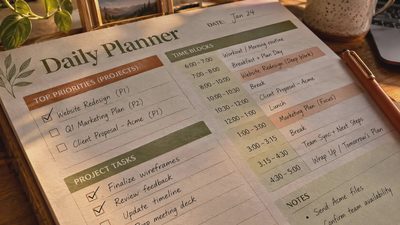
For one week, mark three kinds of work on your calendar: deep work, communication, and maintenance. Deep work includes writing a proposal, designing a flow, debugging a difficult problem, or making a decision with real consequences. Communication includes meetings, email, and Slack. Maintenance includes invoices, file cleanup, scheduling, and routine updates.
Try two 60-to-90-minute deep-work blocks before opening communication tools. This does not require a monastery. Put your phone in another room, close Slack, and leave a short note describing the next physical action. “Improve launch plan” is too vague. “Write the three risks under the launch timeline” gives your brain somewhere to start.
Then group communication into two or three windows. A designer might check messages at 11:30 a.m. and 3:30 p.m. A support lead may need a tighter rhythm. The point is not the exact schedule; it is replacing constant checking with intentional checking. That boundary is often more valuable than a new focus app.
Choose a small, boring toolset
The best system is usually the one you can explain in one sentence. Mine is a calendar for commitments, a plain text note for thinking, and one task list for reminders. I use a MacBook, a phone in permanent grayscale, and no separate app for tracking every habit. Your setup can be different, but each tool should have one clear job.
Stress free productivity gets harder when the same task appears in five places. A project might live partly in Notion, partly in Asana, inside a starred email, and on a paper sticky note. That is not flexibility; it is a search problem. Pick a home for each category of information and move anything scattered across systems.
If your team uses Jira, Linear, Trello, or Asana, let the team workspace hold project status. Do not duplicate the entire project in a personal dashboard just to feel organized. Keep personal notes for decisions, questions, and next actions. A clean division prevents the familiar afternoon ritual of wondering which version is current.

Make distraction visible and slightly inconvenient
Most distracting products are not difficult to use. That is their advantage. Infinite scroll removes the natural stopping point. Autoplay removes the decision to start another video. Read receipts and presence indicators create social pressure to respond. None of these mechanisms makes you weak; they are deliberate interface choices.
You can answer with small amounts of friction. Remove social apps from the home screen. Log out of services that you only need on a desktop. Use website limits as a speed bump, not a moral test. Put the phone in a drawer during a 45-minute work block, then retrieve it when the block ends. The physical distance matters because reaching for it becomes a conscious action.
For email, disable desktop previews and schedule a send delay if you often write while irritated. For meetings, turn off self-view when seeing your own face makes you monitor your expression instead of listening. These changes are ordinary, but they protect attention without demanding that you feel motivated all day.
A simple reset for overloaded afternoons
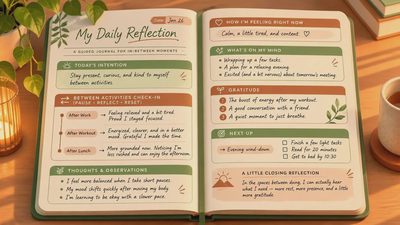
When the day has gone sideways, do not attempt a complete system overhaul. Take five minutes and write every unfinished concern on paper. Next to each item, mark whether it needs action, waiting, scheduling, or deletion. This separates actual work from mental noise.
Choose one task that can be completed in 20 minutes. Set a timer, close every unrelated window, and finish only that task. Afterward, decide whether to continue or move to a different category of work. Stress free productivity is often recovered through one completed loop, not a heroic sprint.
If you have three meetings left and no concentration, protect the smallest useful outcome. Send the two-sentence update. Draft the opening paragraph. Book the appointment. A partial result creates momentum without pretending that your energy is unlimited.
What I would keep
I would keep a calendar, a single trusted task list, and a notebook beside the keyboard. I would keep notification settings that make urgent contact possible without making every app feel urgent. I would keep grayscale on my phone because removing color makes the device less visually persuasive, even though it does not solve every habit.
I would skip the elaborate productivity stack that promises a new identity. Stress free productivity does not require buying a $400 desk accessory, subscribing to six planning apps, or measuring every minute. It requires a workspace that tells the truth about your time and makes the next useful action obvious.
Start with one change today: disable the notifications you do not need, choose tomorrow’s first work block, and write down exactly what you will do in it. Give that arrangement a week before judging it. You need less than you think, and the quieter setup may be enough.