
Learning skills are not another productivity category to collect. They are the small, repeatable abilities that help you understand something, remember it, and use it when the screen is no longer in front of you. I think about them differently after eight years designing consumer apps: the goal is not to optimize every minute. It is to make attention feel like something you can direct again.
Do you actually need another course, note-taking app, or AI assistant? Usually, you need a clearer method. A notebook, a timer, and one source of information can take you surprisingly far. You need less than you think, especially when learning skills are treated as habits rather than purchases.
What learning skills really include
The phrase sounds broad, but the useful parts are concrete. Reading with a question in mind is one skill. Explaining an idea without looking at your notes is another. So is deciding what deserves your attention before opening a browser full of tabs.
Learning skills also include noticing when you are confused. Many professionals respond to confusion by searching faster, saving more links, or switching between videos. That creates the feeling of motion without much understanding. A better move is to write one sentence: “I do not understand how this part connects to the previous part.” That sentence gives your next study session a shape.
For screen-heavy work, the most valuable learning skills are retrieval, deliberate practice, and reflection. Retrieval means trying to recall an idea before checking the answer. Deliberate practice means working on the exact part that feels weak. Reflection means reviewing what changed after you applied the idea. None requires a premium subscription.

Build a low-friction learning system
My preferred system has three surfaces: a source, a scratchpad, and a place for finished notes. The source might be a book, a documentation page, or a carefully chosen course. The scratchpad can be a plain text file. Finished notes belong somewhere searchable, but not necessarily somewhere elaborate. Apple Notes, Obsidian, Google Docs, and a paper notebook can all work.
The important design decision is separation. Do not ask one app to be your library, calendar, task manager, journal, and permanent archive. That is how a simple learning project turns into maintenance. Choose one location for each job and leave the rest alone.
Start with a specific output. Instead of “learn photography,” write “make three black-and-white contact sheets and explain why each frame works.” Instead of “learn SQL,” write “write a query that joins two tables and describe the result in plain English.” Good learning skills become easier to practice when the finish line produces something visible.
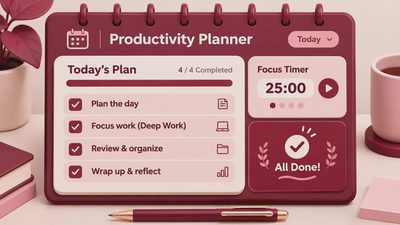
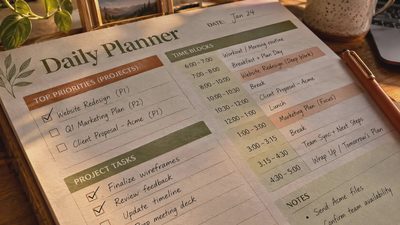
Use a 25-minute block if your attention is tired. During that block, keep one tab open and put your phone in another room or inside a drawer. Four focused blocks across a week will usually beat an ambitious two-hour plan that you avoid. The point is not heroic concentration. It is making the next session obvious.
Why passive learning feels so convincing
As a product designer, I have helped build interfaces that reward activity: progress bars, streaks, completion animations, and endless recommendations. These mechanics are not automatically bad, but they can confuse consumption with learning. Watching six videos can feel productive while leaving you unable to solve the problem those videos described.
This is where learning skills need a small interruption. After reading or watching something, close it. On a blank page, write what you remember, what you disagree with, and where you would use the idea. The discomfort is useful. If you cannot explain the concept, you have found the next thing to practice.
A simple example is reading about camera exposure. Passive learning is highlighting the definitions of aperture, shutter speed, and ISO. Active learning is predicting what happens when you change one setting, taking the photograph, and comparing the result. The second approach is slower per minute but stronger over time.
Notifications work against this process because they turn every pause into a possible interruption. You do not need to delete every app. Try disabling badges, moving social apps off the home screen, and setting a single afternoon window for messages. Protecting the first ten minutes of a study session is often enough to change its quality.
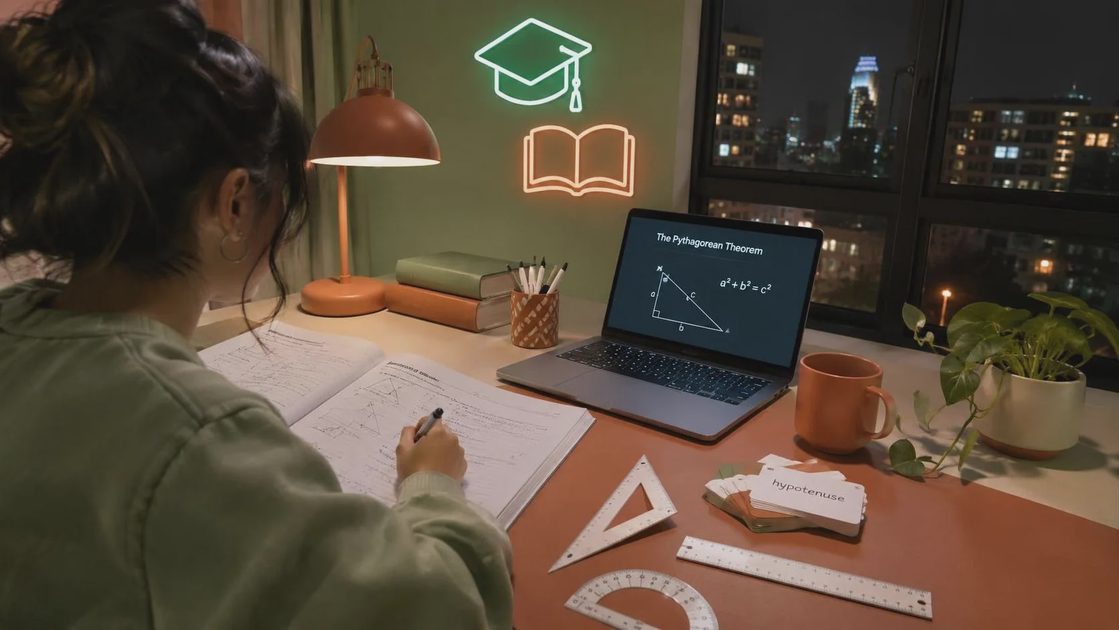
Use memory without turning life into flashcards
Flashcards are useful for facts, vocabulary, keyboard shortcuts, and technical commands. They are less useful for every kind of understanding. If a card asks you to recite a paragraph, you are probably testing recognition rather than useful recall.
Make prompts that require a decision. Ask, “When would I use a left join instead of an inner join?” or “What would make this photograph feel visually crowded?” Answers should be short enough to review and specific enough to reveal a gap.
Spacing matters more than a perfect schedule. Review an idea later the same day, then a few days afterward, then roughly a week later. If you miss a session, do not reset the entire system or buy a new planner. Continue with the next prompt. Learning skills improve through return, not punishment.
For important ideas, connect the memory to a real object or event. Explain a design principle while looking at an interface. Use a new command in a small project. Describe a book’s central argument during a walk. Memories have more places to attach when they are connected to action.
A practical weekly reset
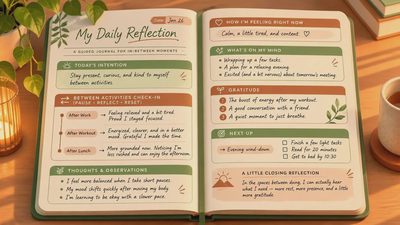
Once a week, spend fifteen minutes reviewing what you tried to learn. Look at your scratchpad and ask three plain questions: What can I now do that I could not do before? Where am I still guessing? What is the smallest useful exercise for next week?
Keep only the answers that change your behavior. A note that says “interesting article” is not very valuable. A note that says “I will remove one setting from the interface and test whether the primary action is clearer” gives you a next step.
This review is also a good place to remove tools. If a new app has created more sorting than understanding, export anything important and stop using it. If a course has become background entertainment, replace one hour of watching with one concrete exercise. Learning skills should reduce friction over time, not add a second job called personal development.
You can also pair the reset with a physical cue. I keep a small notebook beside my keyboard, not because paper is morally superior, but because it is harder to fall into a tab spiral when the next action is visible on the desk. A pencil costs little, launches instantly, and never asks for a notification permission.
The one thing I would keep
If I had to keep one method, it would be the closed-book explanation. Read or watch one focused source, close it, and explain the idea in your own words. Then test that explanation against a real example. This combines attention, recall, and practice without requiring a complicated setup.
Learning skills become sustainable when they fit the life you already have. A designer can study one interface during lunch. A developer can write one small query after work. A tired professional can read five pages and record three remembered points before bed. The scale matters less than the return.
Do you actually need a new system? Probably not yet. Choose one subject, one output, and one weekly review. Remove the notifications that keep breaking the loop. Keep the tool that makes starting easier, and let the rest go. The quiet advantage is not having more information. It is being able to use what you already chose to learn.