Do you actually need this? That is the question I ask before buying any device intended to make life simpler. A dumb phone with spotify sounds like a perfect compromise: calls and texts without the infinite feed, plus music for a commute, walk, or long stretch of focused work. The catch is that Spotify is built for smartphones, connected accounts, recommendations, and regular software support. The calm little phone you imagine and the product you can actually buy are often different things.
I understand the appeal. I have carried a grayscale phone through San Francisco, left it in my backpack during hikes, and still wanted a soundtrack on the trailhead drive. Music is not the same distraction as social media. It can make a train ride feel spacious without asking you to react to anything. The goal is not technology purity. It is removing the parts that keep reopening themselves.
What a dumb phone with spotify actually means
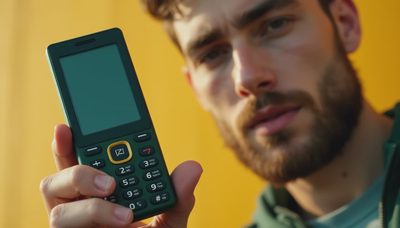
There are three different products hiding under this phrase. The first is a true feature phone with a native Spotify app. These are rare in the United States, and compatibility can change when Spotify or the phone manufacturer ends support. A flip phone may have Wi-Fi, a basic browser, or an app store, but that does not mean it can install and run Spotify reliably.
The second is a small smartphone with the distracting apps removed. Devices such as the Unihertz Jelly Star or older Jelly models are physically tiny Android phones. They can run Spotify because they use Android, but they are not technically dumb phones. You are choosing a smaller smartphone, not escaping the smartphone operating system.
The third option is a basic phone paired with a separate music player. The Mighty Vibe, where available and supported, was designed to sync Spotify and Amazon Music playlists for offline listening without carrying a full smartphone. Availability and service support deserve careful checking before purchase, but the idea is still useful: separate communication from entertainment instead of forcing one device to do everything.
Why most basic phones do not run Spotify
Spotify requires more than a speaker and a headphone jack. It needs account authentication, streaming or downloaded files, playlist synchronization, software updates, and enough memory for the app and its cached music. Feature phones often use operating systems that do not support current Android or iPhone applications. Even when a browser can open Spotify, playback may be awkward, unstable, or unavailable after an update.
The Light Phone II is a good example of the tradeoff. Its limited interface is intentionally designed around calls, messages, directions, podcasts, and simple tools rather than an app marketplace. A Punkt MP02 follows a similar philosophy and is not a Spotify phone. These devices are excellent if your priority is reducing inputs, but neither should be bought expecting a hidden music-app solution.
This is where product language can get slippery. A listing may say “music player” when it means an FM radio, Bluetooth playback from another device, or local MP3 files. None of those descriptions guarantees Spotify. Before ordering, look for the exact operating system, app support, offline playback method, headphone connection, and date of the latest software update.
The cleanest setup: basic phone plus music player
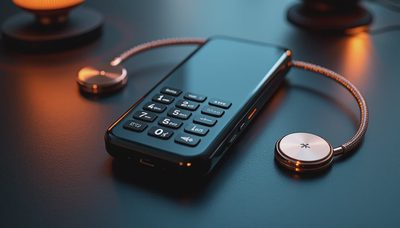
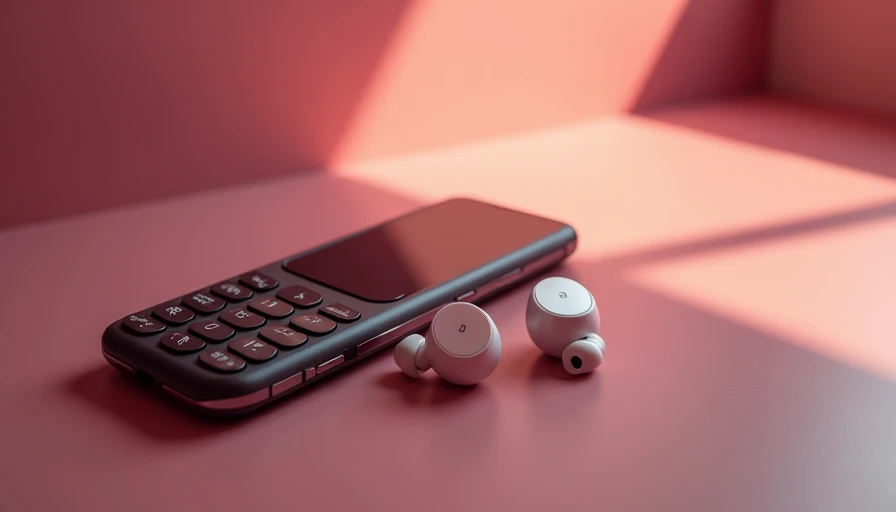
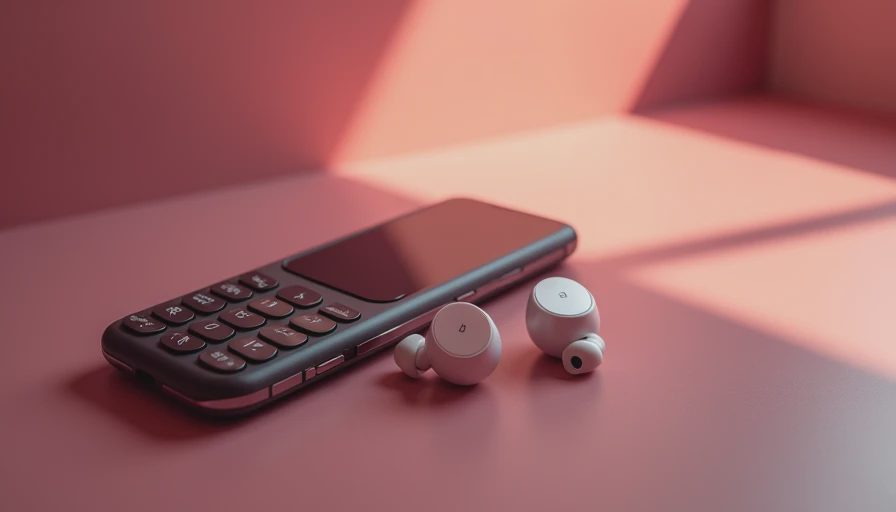
For many people, the best dumb phone with spotify arrangement is actually two devices. Use a Nokia-style feature phone for calls and texts, then carry a dedicated player for music. The separation creates a useful bit of friction. You can change a song, but you are less likely to drift into email because email is not sitting behind the same glass screen.
A practical setup starts with playlists downloaded over Wi-Fi before leaving home. Make a commuting playlist, a longer walking playlist, and one album you know well. Bluetooth earbuds work, although wired headphones remove charging and pairing problems. A tiny dedicated player can fit in the same pocket as a transit card; a small Android device can do more, but it also brings a browser, notifications, and the temptation to reinstall everything.
There is a cost difference. A basic phone may run from roughly $30 to $150, while a supported music player or small Android handset can add $100 to $300. That is not automatically cheaper than one iPhone. The value is behavioral: each device has a narrower job, so the default action becomes more predictable.
A small Android phone is the compromise option
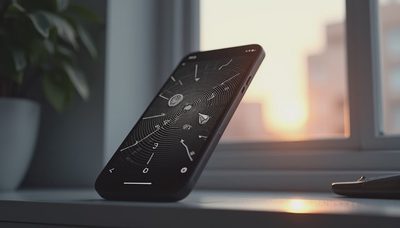
If you need Spotify on one device, a compact Android phone is usually more realistic than a true feature phone. The Unihertz Jelly Star is a familiar example because its screen and body are much smaller than a mainstream phone. You can install Spotify, download playlists, connect wireless headphones, and keep cellular service in one pocket.
But small does not mean distraction-proof. Android still offers YouTube, browsers, news apps, social feeds, and push notifications. The screen may be uncomfortable enough to discourage long sessions, yet that is a physical limitation rather than a deliberate boundary. During my own experiments, friction helped, but it did not replace a decision.
A better configuration is to remove the browser, sign out of app stores after setup, disable nonessential notifications, and keep only calls, messages, maps, camera, and Spotify. Turn off autoplay and downloaded recommendations where possible. Download music before a flight or hike so the device does not need a strong connection. This produces a calmer tool, even if it is still technically a smartphone.
What to check before buying
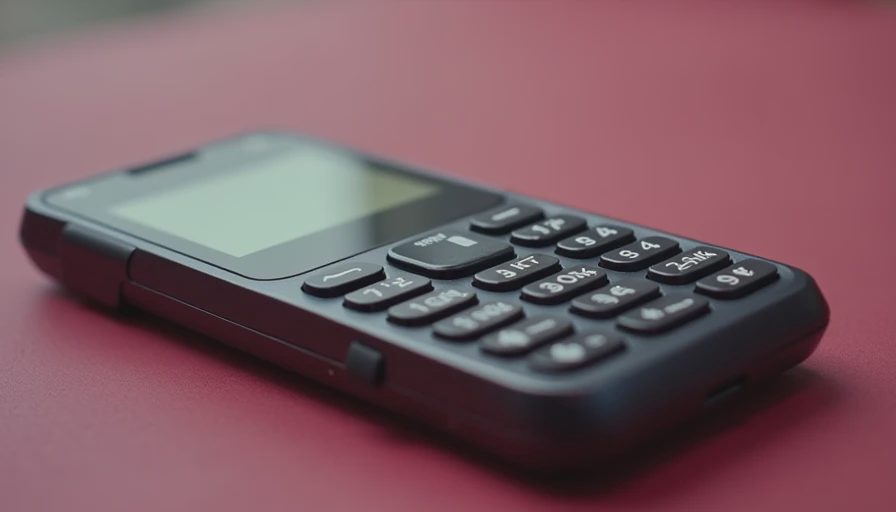
Before committing to a dumb phone with spotify, verify the boring details. First, confirm that the specific model supports the current Spotify app, not just an older version shown in a product video. Second, check whether offline downloads are available on the plan you use; Spotify Premium is generally required for offline music. Third, confirm cellular bands and carrier compatibility in the United States. A phone that works overseas may not work well on your network.
Then inspect the physical experience. Does it have a headphone jack? Can it pair with your earbuds? Is the screen large enough to select a playlist without frustration? Can you control playback from the lock screen? Does the battery last through a workday with Bluetooth enabled? Read the return policy, especially for imported phones with unclear warranty service.
Also ask whether you need Spotify specifically. Local MP3 files, an FM radio, podcasts downloaded to a basic player, or a single album on an old iPod can satisfy the actual need. The service is convenient, but convenience is not always worth rebuilding the entire smartphone environment.
My recommendation for a calmer music setup
If music is essential and you want one device, choose a small Android phone and treat it like a controlled appliance. Set it up once, remove the obvious traps, and keep the home screen nearly empty. That is the most practical path to a dumb phone with spotify, even though the label is technically inaccurate.
If the real goal is escaping the internet in your pocket, use a genuinely basic phone and a separate player. You will give up instant playlist changes and some convenience. In exchange, a walk can stay a walk. You can listen to an album without checking a notification that arrived between tracks.
My one thing to keep would be the music player, not the clever phone. You need less than you think, but you do not need to make every pleasure harder. Keep Spotify for intentional listening, put it behind a little friction, and let the phone handle communication. That division is less dramatic than deleting everything, and it is much easier to live with on an ordinary Tuesday.