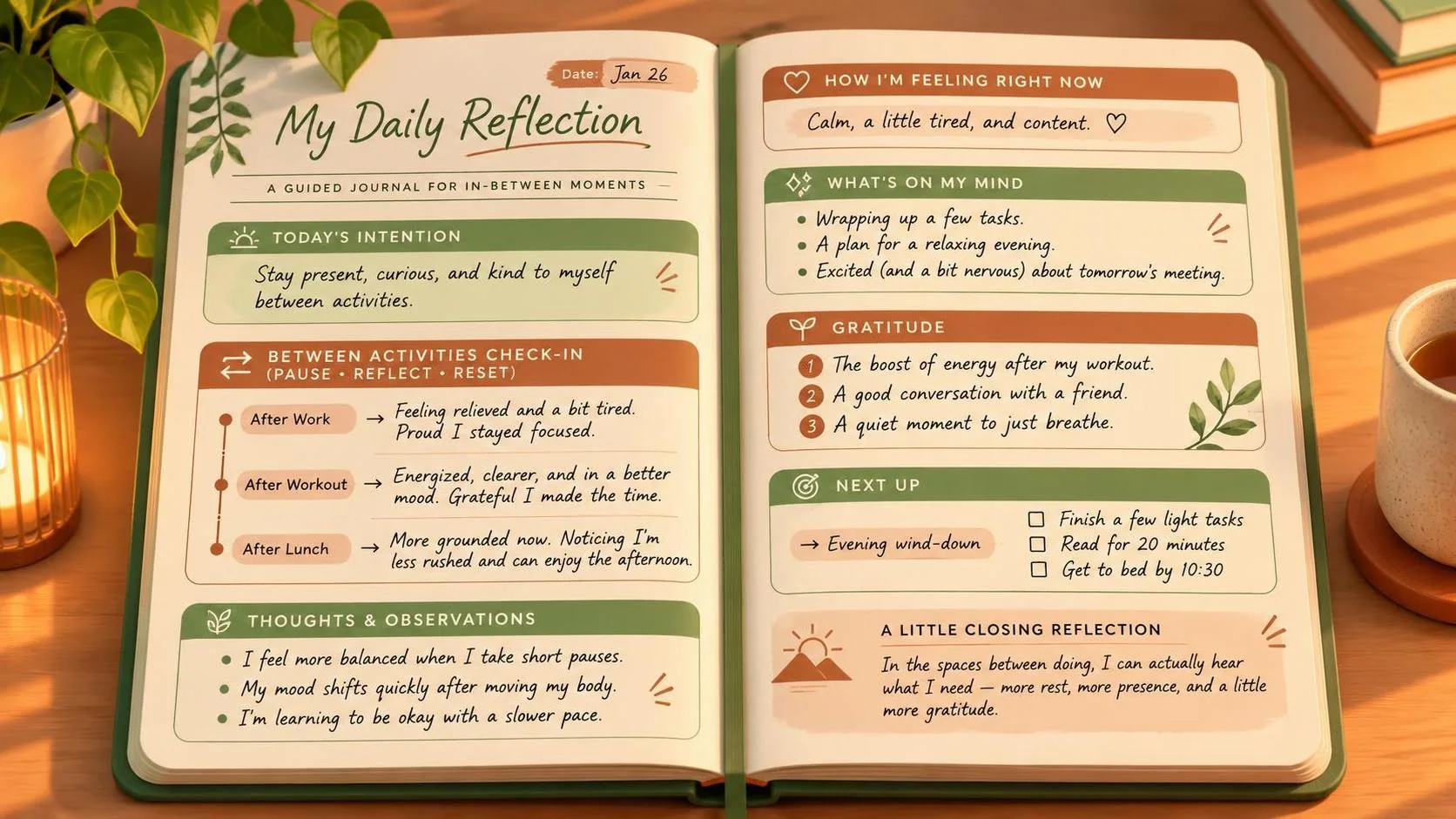
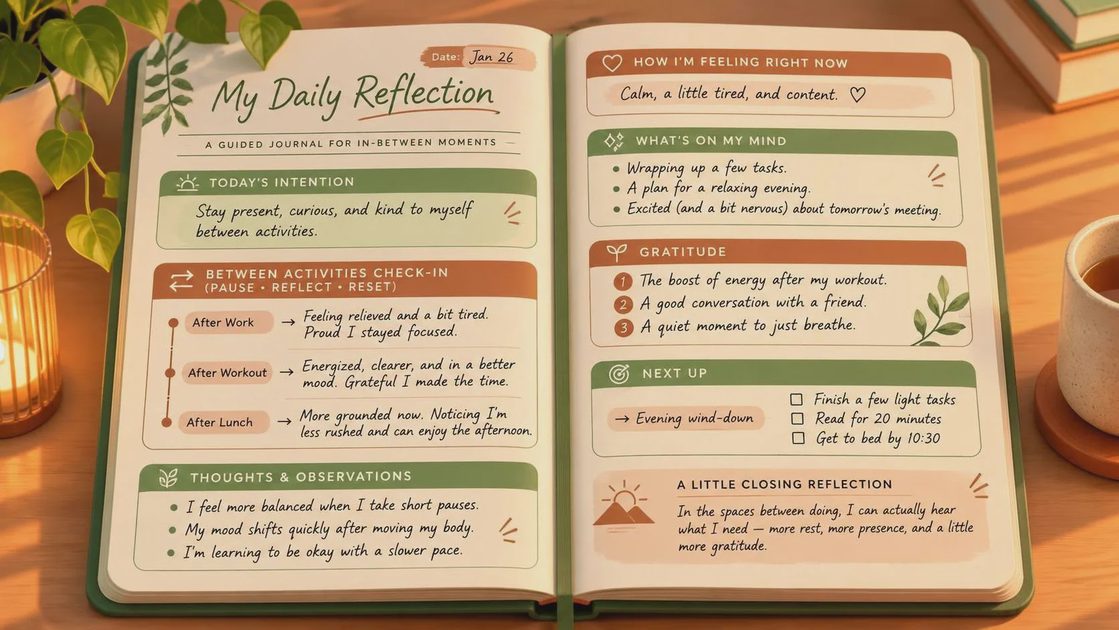
Interstitial journaling is the practice of writing a brief note when you move from one activity to another. Record what you just finished, what is on your mind, and what you intend to do next. It can take a sentence and a few seconds; you do not need a dedicated app, a daily streak, or a polished account of your day.
The useful moment is the gap after a meeting ends and before you open the next tab. Without a deliberate transition, an inbox or notification can easily choose the next task for you. A short note gives you a chance to make that choice yourself, without pretending interruptions can be eliminated.
How interstitial journaling works
Think of it as a handoff between your past and future attention. Instead of setting aside twenty minutes for reflection, you leave a small breadcrumb as you switch contexts. A note might look like this:
10:40 — Finished the project check-in. Waiting on a decision about the launch date. Next: spend 25 minutes revising the onboarding screen.
That is enough. The timestamp helps if you want a rough record of the day, but it is optional. The important part is naming the next action specifically enough that you can begin. “Work on project” leaves more room for drift than “revise the first onboarding screen.”
You can also write down the friction: “I keep checking messages because I'm waiting for feedback.” Naming that pull does not make it disappear, but it can help distinguish a real dependency from a habit. If you need an answer before proceeding, send the question or schedule a time to check for a reply. If you do not, return to the task in front of you.
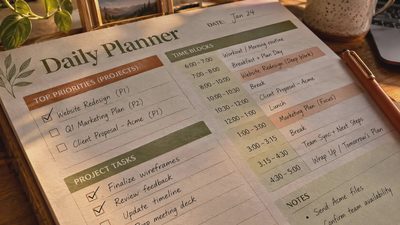
Interstitial journaling differs from a to-do list in one useful way: it captures transitions, not just commitments. A task list can tell you what remains. A transition note can tell you where you stopped and why you are switching.
Start with one transition
Pick a point in the day when your attention regularly scatters. After a recurring meeting is a good candidate: you already have a natural stopping point, and the next action is not always obvious.
Keep a plain text file or a paper notebook open nearby. When the meeting ends, write what needs to be carried forward and the first action you will take. For example: “Need a decision on the headline. Draft two alternatives before asking for feedback.” Then do that action, rather than organizing the note.
Try this for a few workdays before adding more transitions. If the notes help you resume work or notice an unhelpful switch, use the practice at another point, such as after lunch. If you forget, there is no backlog to fill in. Just start at the next transition you notice.
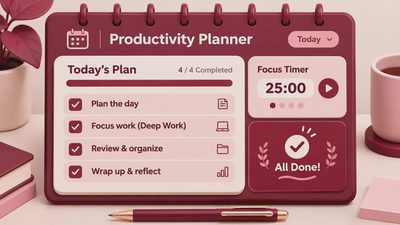
A timer is optional. Setting a short block for the next task can be useful when the work feels vague, but the journal itself should not need a countdown. The aim is to reduce the effort of getting oriented, not turn every pause into a performance measurement.
What to write when you are interrupted
The most valuable note may be the one you leave before you are ready to stop. If someone needs you during a complicated task, capture the next concrete step: “Check the error state on the account settings screen” is more useful than “finish design.” Include a relevant file name or question if it will save you a search later.
If the interruption is urgent, skip the note. Interstitial journaling is a support for your work, not an obligation that outranks it. You can add a line when you return: “Stopped during review; resume at the error state.”
Some transitions are emotional rather than logistical. After a tense call, “Frustrated; need a short walk before replying” is a perfectly functional entry. The note does not need to diagnose the feeling or produce an insight. It can simply prevent you from sending a hurried response while your attention is elsewhere.

Choose a surface that stays out of the way
Paper works well if another screen is the last thing you want. Leave a notebook open to the current page and draw a line between days. The trade-off is that searching old entries takes longer, and a notebook is easy to leave behind.
A plain text document is convenient if you already work on a computer. Put the newest entry at the top or keep adding to the bottom; either works. A notes app you already use is fine too. The key is making the writing surface easy to reach without passing through a feed, inbox, or elaborate dashboard.
I would avoid shopping for a specialized tool before trying the method. A feature-rich workspace can make the first entry feel like a setup project: choose a template, tune the tags, decide on a filing system. Those choices are not inherently bad, but they can absorb the small pause the practice was supposed to create. You need less than you think.
Keep the record useful, not complete
Interstitial journaling can become another source of pressure if you try to account for every minute. You do not need to log bathroom breaks, explain why a task took longer than expected, or reconstruct a day you forgot to document. This is a way to regain context, not a timesheet.
Be thoughtful about where notes are stored, especially on a work device. Avoid recording confidential customer details, passwords, or sensitive meeting content in a personal notebook or app. A general reminder such as “follow up on the access issue” may be enough; follow your workplace's rules for anything more specific.
At the end of the day, scan the last few entries only if it helps you leave a starting point for tomorrow. One line will do: “Next: review the draft before the afternoon meeting.” There is no requirement to summarize the whole day.
If I were keeping one part of this practice, it would be that handoff sentence. A note that tells you where to begin is often more useful than another system for tracking everything you did.