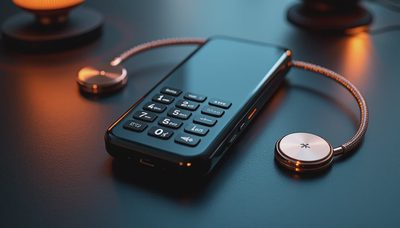
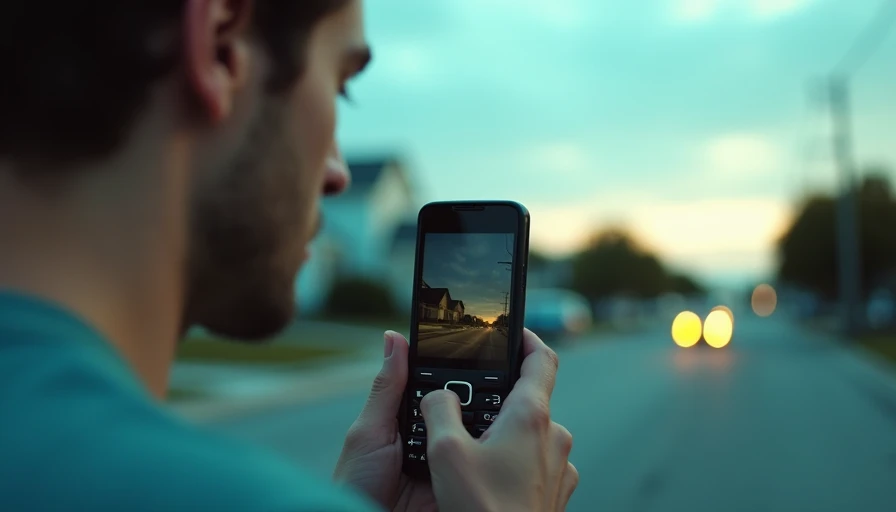
The dumbco phone sits in an interesting gap: it is not necessarily an anti-technology statement, and it does not need to become your personality. It is a tool for making the phone less interesting. That distinction matters. After eight years designing attention-hungry apps, I have learned that a calmer device works best when it removes tempting decisions rather than asking you to exercise heroic self-control. If you are considering a dumbco phone, the useful question is simple: what do you actually need your phone to do?
I would not begin with nostalgia for flip phones or a fantasy of becoming unreachable. Begin with a Tuesday. You need calls, messages, directions, two-factor authentication, perhaps a camera, transit information, and a way to handle an unexpected payment. Everything beyond that should earn its place. You need less than you think, but you still need a setup that works in the real world.
What a dumbco phone is really buying you
A simpler phone does not automatically create a calmer life. It creates friction between you and the behaviors that usually fill small gaps: opening a social feed in an elevator, checking email while water boils, or tapping a notification because a red badge appeared. That friction is the product.
When I worked on consumer apps, we used familiar mechanics: push notifications, streaks, autoplay, personalized feeds, and interfaces that refreshed before you had decided whether to stay. None of these required a villain. They simply reduced the effort between impulse and action. A dumbco phone reverses that equation. If there is no app store, no endless feed, or no bright home screen full of invitations, the default behavior becomes looking up and doing something else.
The best reason to consider a dumbco phone is not that smartphones are evil. It is that your current device may be overqualified for the life you actually lead. A $700 smartphone can be excellent hardware and still be the wrong object for a person trying to stop carrying work, entertainment, shopping, and social comparison in one pocket.
Check the boring details before you buy
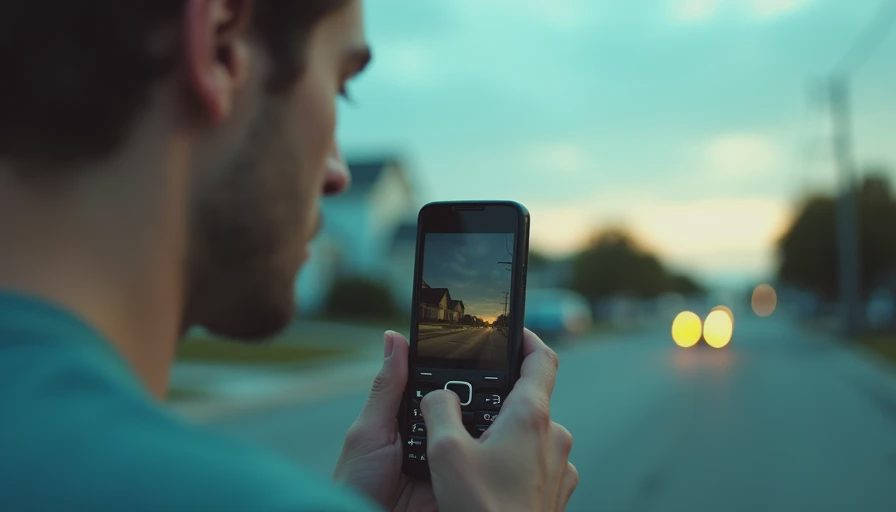
The boring details decide whether this experiment feels liberating or merely inconvenient. Before ordering a dumbco phone, confirm the cellular network it supports, whether it uses a physical SIM or eSIM, and whether your carrier still activates that type of device. Compatibility can change by carrier and region, so use the manufacturer's documentation or ask the carrier directly rather than relying on an old forum post.
Then make a short requirements list. Do you need group texting? Can you receive bank verification codes? Will you need contactless payments, a calendar, a rideshare app, a navigation app, or a hotspot for a laptop? If you hike, consider how you will handle an offline map and an emergency call. A simple phone can support some of these needs, but you should verify the exact model instead of assuming that every stripped-back handset has the same features.
Also check the return policy, warranty, charging connector, battery replacement options, and speaker quality. A device that lasts several days between charges sounds attractive, but a weak microphone can turn it into a poor phone. The point is not to collect a special object. The point is to make daily communication reliable while removing unnecessary surfaces for distraction.
The transition works better as a test
Do not sell your smartphone on day one. Treat the dumbco phone as a two-week field test. Forward essential calls, move your most important contacts, and write down the handful of moments when you reach for an app that is no longer available. Those moments are useful information, not evidence that you failed.
For the first three days, carry both devices. Leave the smartphone in a bag or desk drawer rather than your pocket. That preserves access for a boarding pass, a work login, or a genuine logistical problem without making scrolling the easiest option. After that, try leaving it at home for a short walk, a coffee run, or a familiar commute.
A small paper card helps. Write your carrier's support number, key contacts, directions for your usual commute, and any backup codes you are allowed to store offline. If your job requires an authenticator app, move that responsibility to a trusted secondary device or establish an approved alternative before switching. Do not create a security problem in pursuit of a quieter home screen.
What to keep and what to remove
The most successful dumbco phone setup is selective, not performative. Keep the functions that protect your independence: voice calls, basic texting, emergency access, an alarm, and perhaps a camera. Keep navigation if you regularly drive in unfamiliar places, but consider downloading maps before a trip and using the device only when you need directions. Remove the functions that turn waiting into consumption.
For many people, the hardest replacement is not social media. It is the collection of tiny utilities that have accumulated over years. A smartphone may contain grocery lists, boarding passes, loyalty cards, a password manager, work chat, podcasts, meditation apps, and three weather services. Inventory these before you change devices. Some can move to paper, a laptop, a watch, or a dedicated camera. Others reveal that you need a smartphone nearby, even if you do not need one in your hand.
This is where a dumbco phone can be more helpful than an aggressively minimal setup. It gives you a boundary. You can keep a computer for intentional work while making the pocket device boring enough to leave alone. A grayscale smartphone with notifications disabled can produce a similar result, so compare that low-cost experiment before spending money.

A realistic day with a simpler device
Imagine leaving for a Saturday hike with a dumbco phone, a printed trail note, a small camera, and a portable battery. You can call someone, receive a message, and handle an emergency. You cannot casually turn a scenic overlook into an hour of checking feeds. That absence changes the texture of the outing. You notice the wind, the route, and the fact that you were about to pull out a device simply because the trail became quiet.
On a workday, the tradeoff is more complicated. You may need multifactor authentication, a calendar invitation, or a group chat. A good arrangement could be a simple phone in your pocket and a laptop at your desk. The laptop remains a deliberate work surface; it is not available during every elevator ride or conversation. If you work in a role that demands constant mobile access, a dumbco phone may be a weekend tool rather than a complete replacement.
The useful measure is not screen time alone. Notice whether you interrupt fewer conversations, sleep without a glowing device beside the bed, or finish a walk without photographing every thought. Those are concrete outcomes. If nothing improves after two weeks, return to the setup that fits your responsibilities and borrow only the boundary that helped.
My recommendation
Do you actually need a dumbco phone? You probably do not need one as a statement, and you may not need it as your only device. You might need a simpler phone as a physical reminder that not every pause requires content.
Start with the least dramatic version: disable nonessential notifications, remove social apps, use grayscale, and keep the smartphone outside the bedroom for seven days. If you repeatedly bypass those limits, a dumbco phone gives the boundary more weight. Verify network support and essential functions, test it before selling anything, and keep a practical backup for work and travel.
The one thing I would keep is the boundary, not the gadget. If the dumbco phone helps you make fewer automatic choices, it has done its job. If it becomes another object to optimize, review, and photograph, you have simply moved the distraction to a different shelf. You need less than you think, but the less has to serve your actual life.